Articles Article Categories

June 23, 2010

iPad – The Missing Accessories

Filed under: Audio,AV,iPad,Productivity,Video — admin @ 11:30 am

In this post we will explore how some of the iPad’s limitations can be mitigated or overcome through add ons and accessories. This is an interactive post and we ask that you share your thoughts and tips with us as we think about how IOGEAR can help bridge the accessory gap for the iPad. So please take a moment to share your thoughts with our community here in the blog comments, on Twitter or FaceBook. We consider your input extremely valuable and we are looking forward to your feedback.

iPad iPad   The Missing Accessories

Video and Audio Streaming

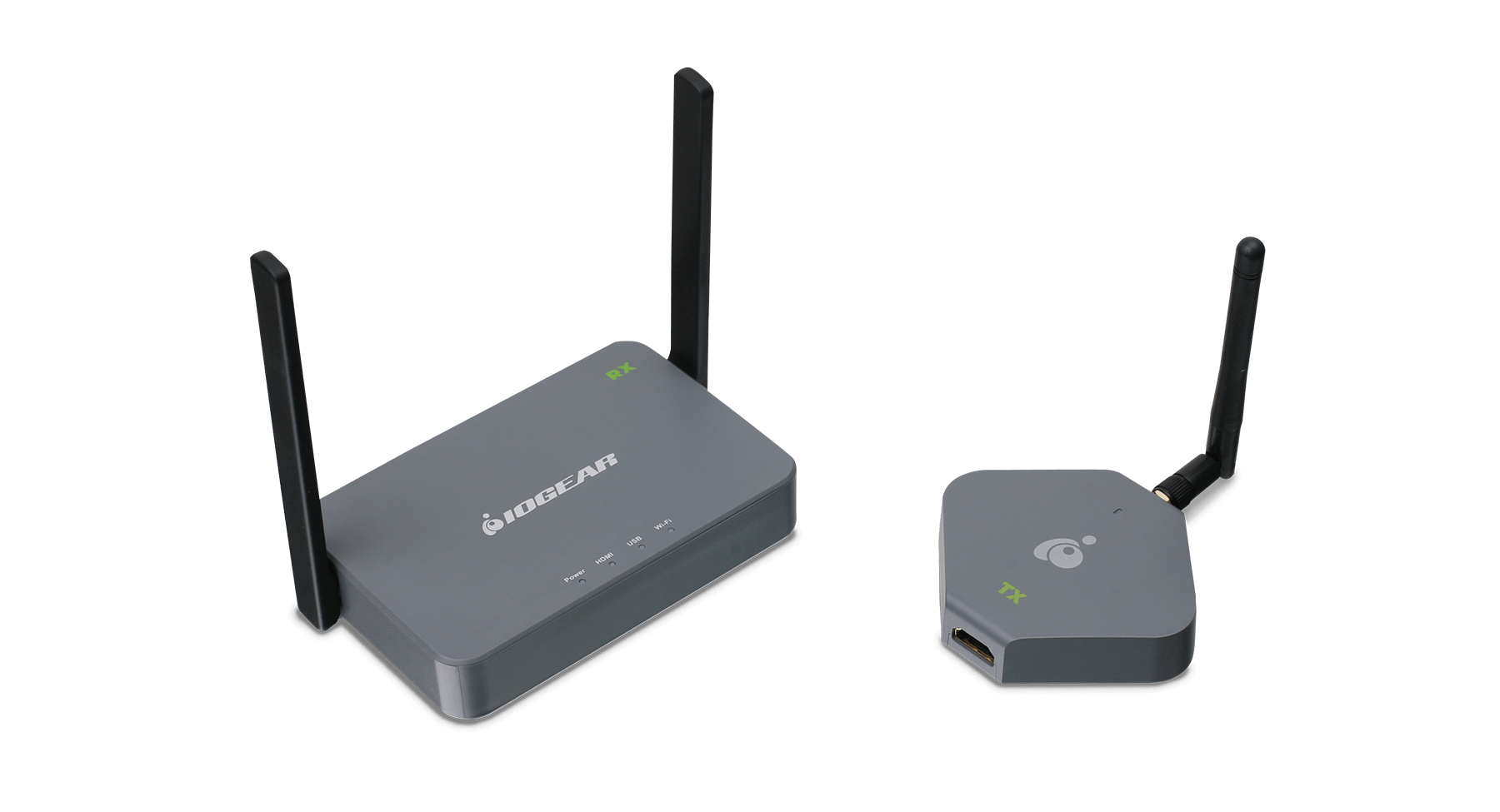
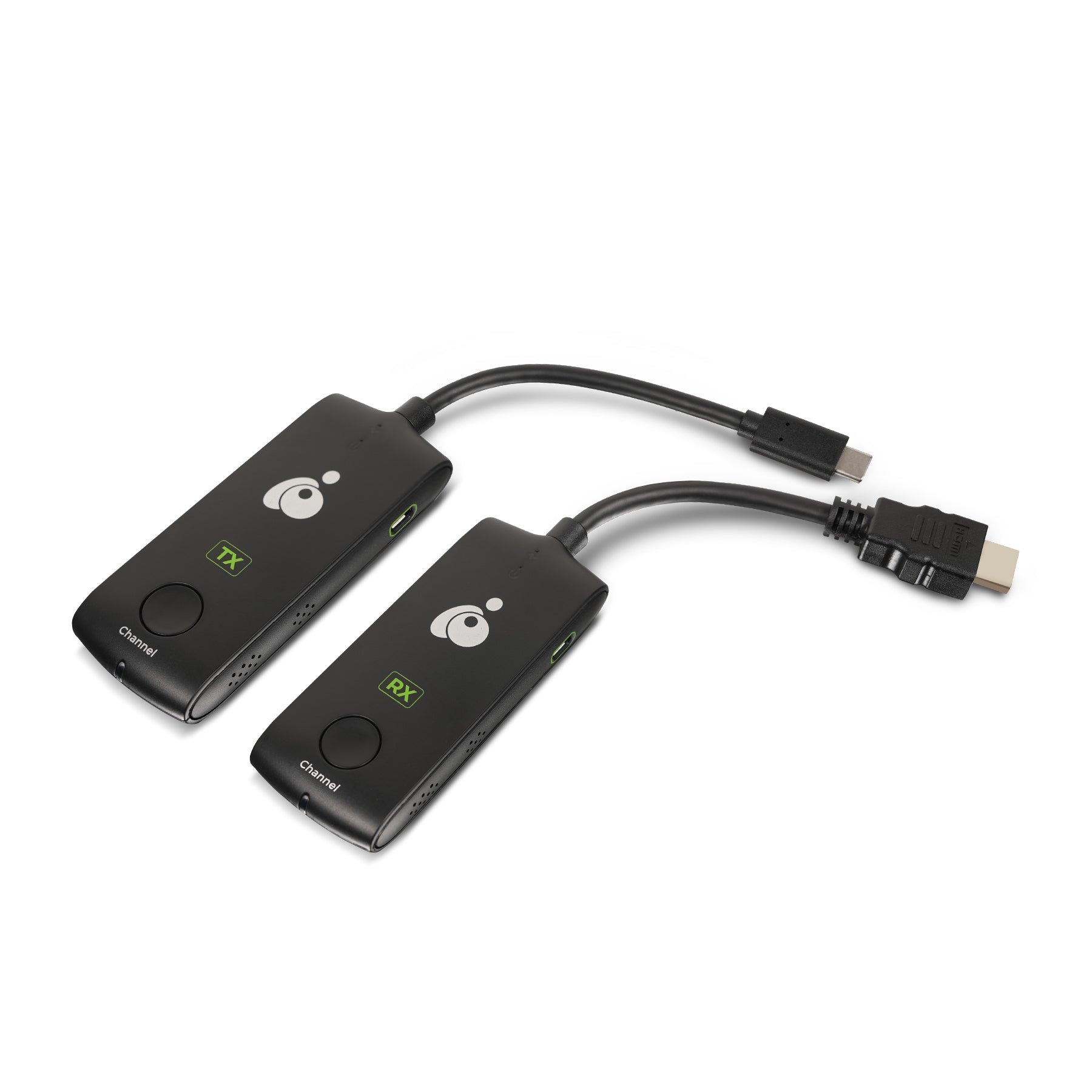
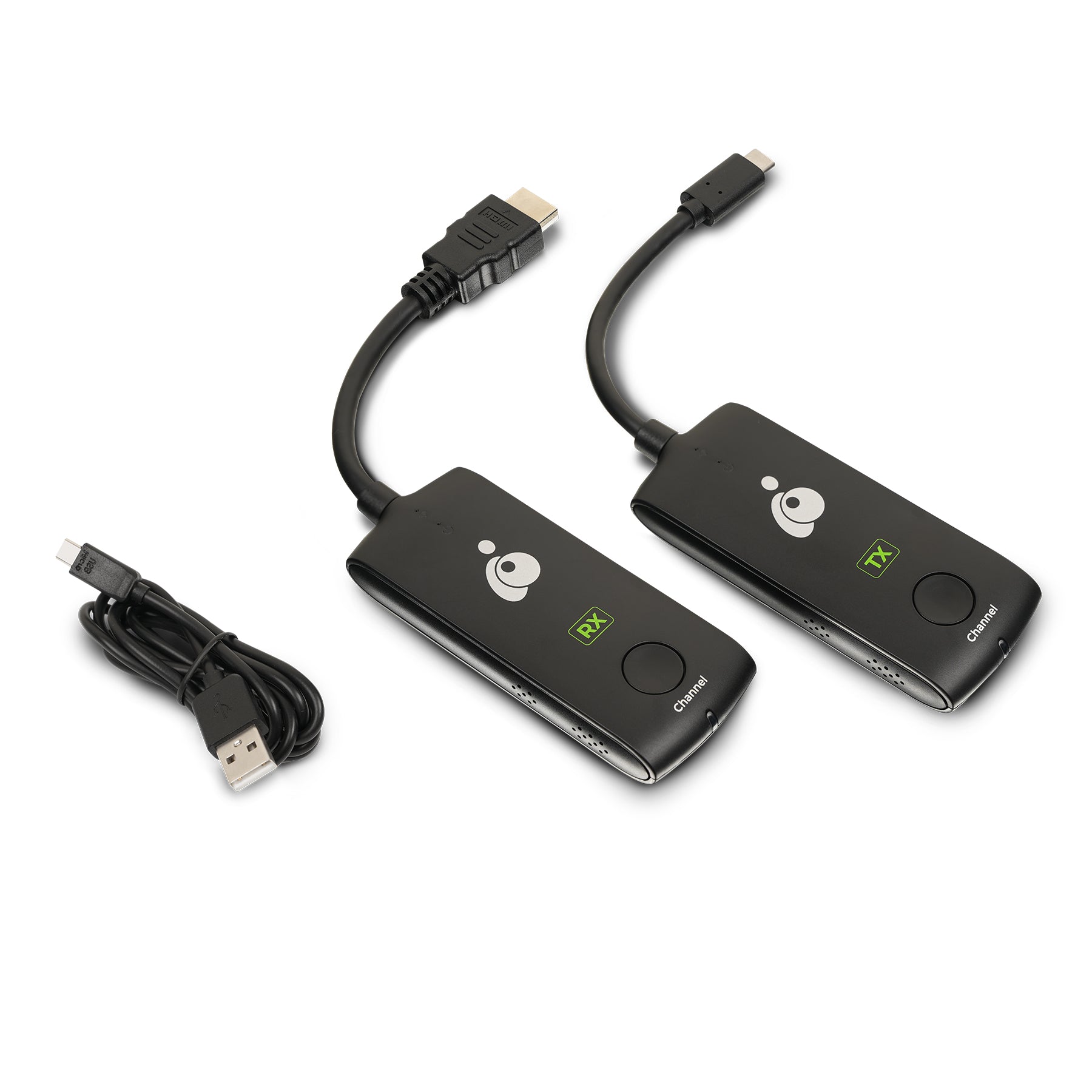
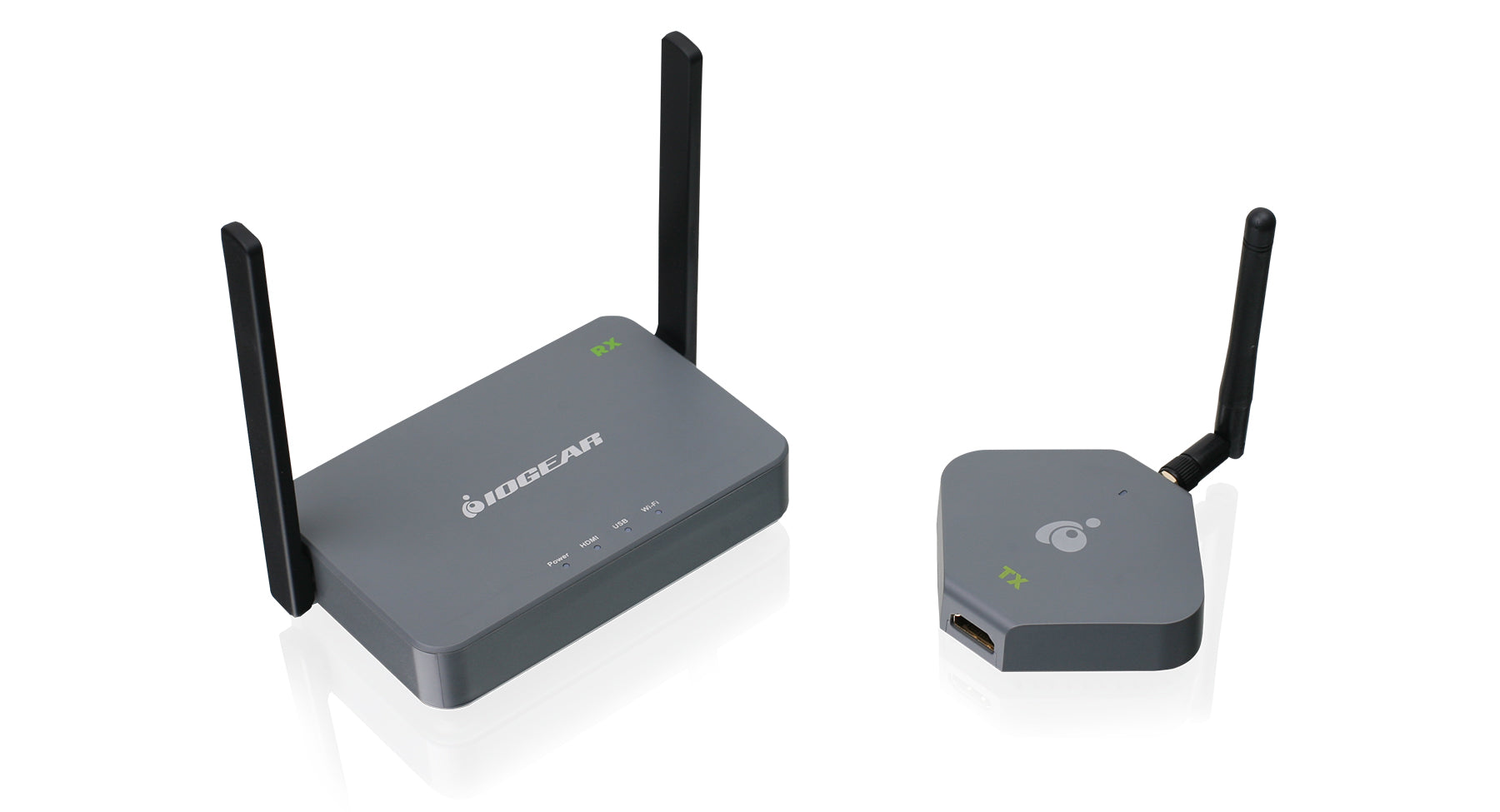
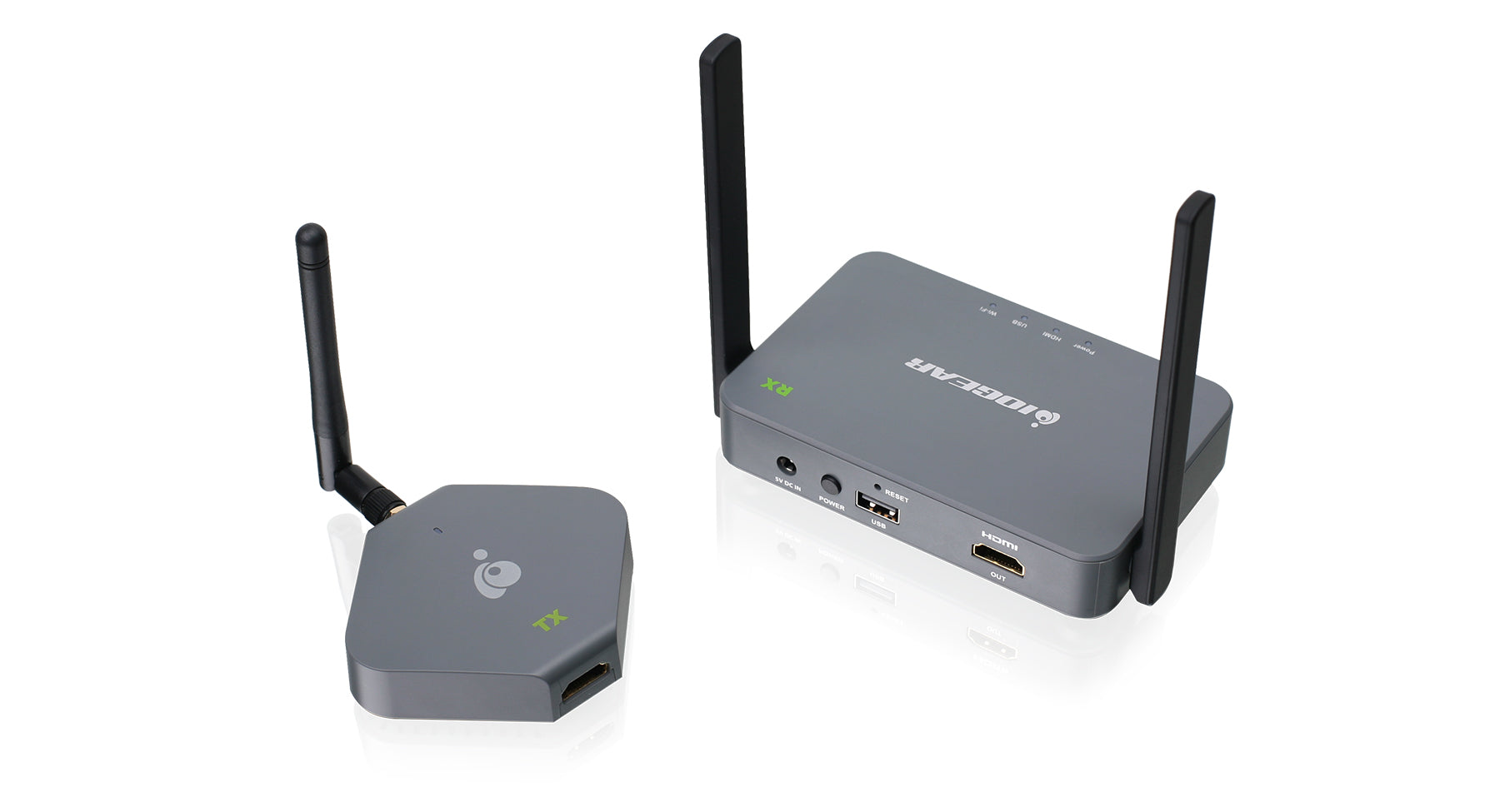
As we have discussed before, PC to TV streaming is an exciting trend that is re-shaping home entertainment. While our Wireless A/V Kit helps make the process of streaming content from a PC to TV much simpler, can the iPad take over this role? Will we soon be discussing a sweeping iPad to TV trend? Imagine having your remote and content on one, nicely form factored, device that is quiet and simple to use…could the iPad make this a reality?

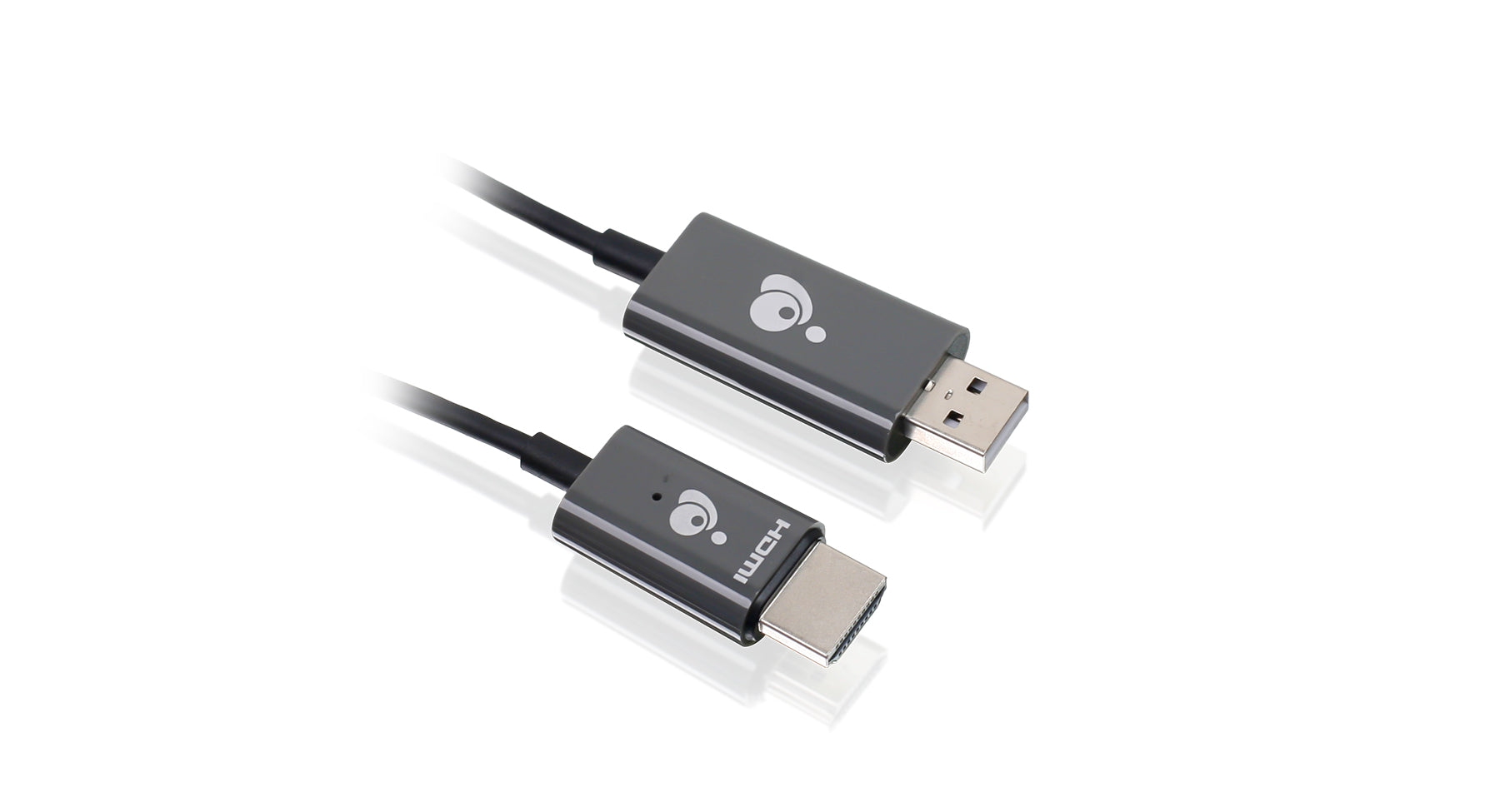
How important is output via HDMI to you? Would wireless streaming from your iPad to your HDTV help streamline your home entertainment setup?

Keyboards and Mice

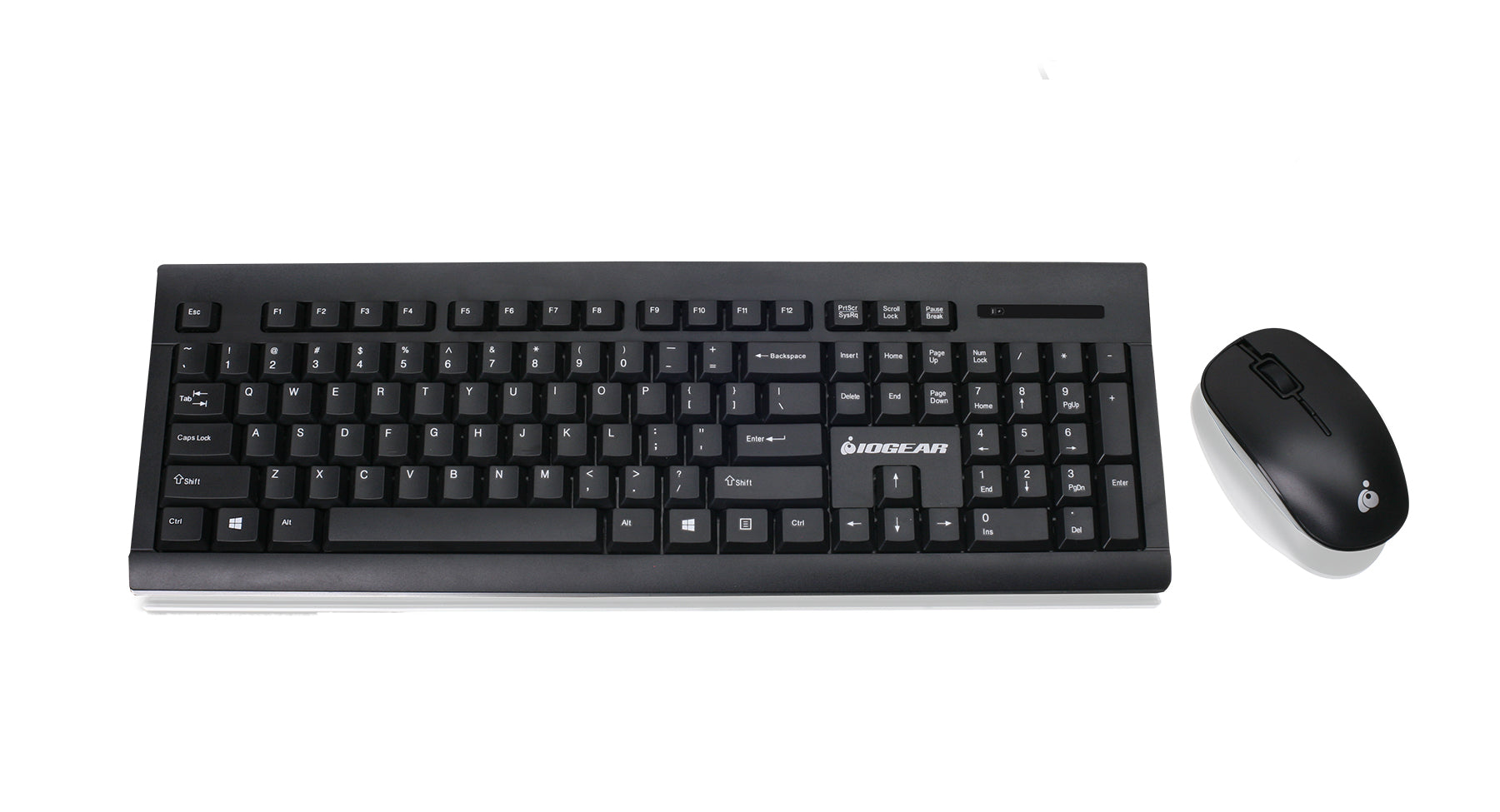
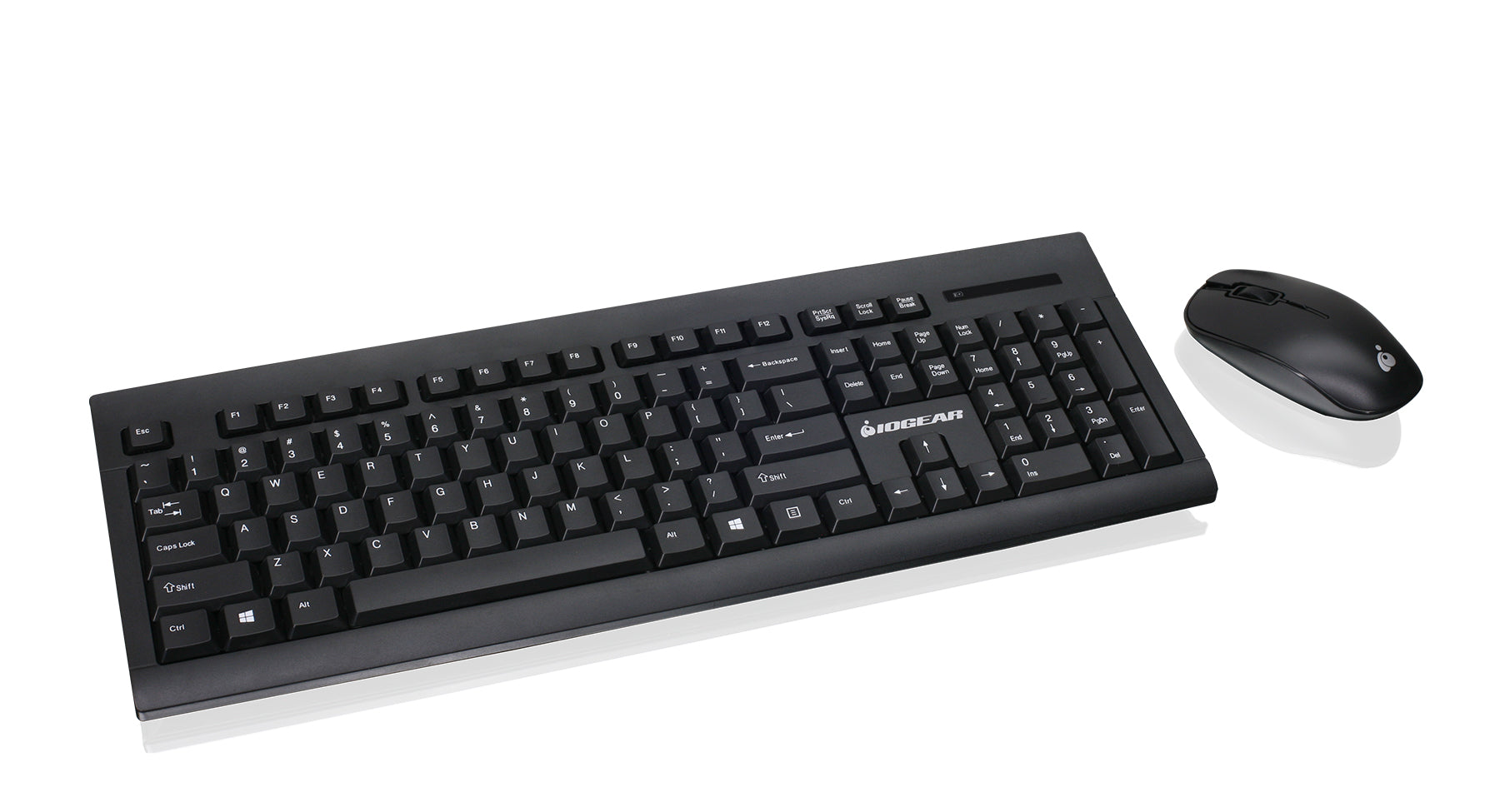
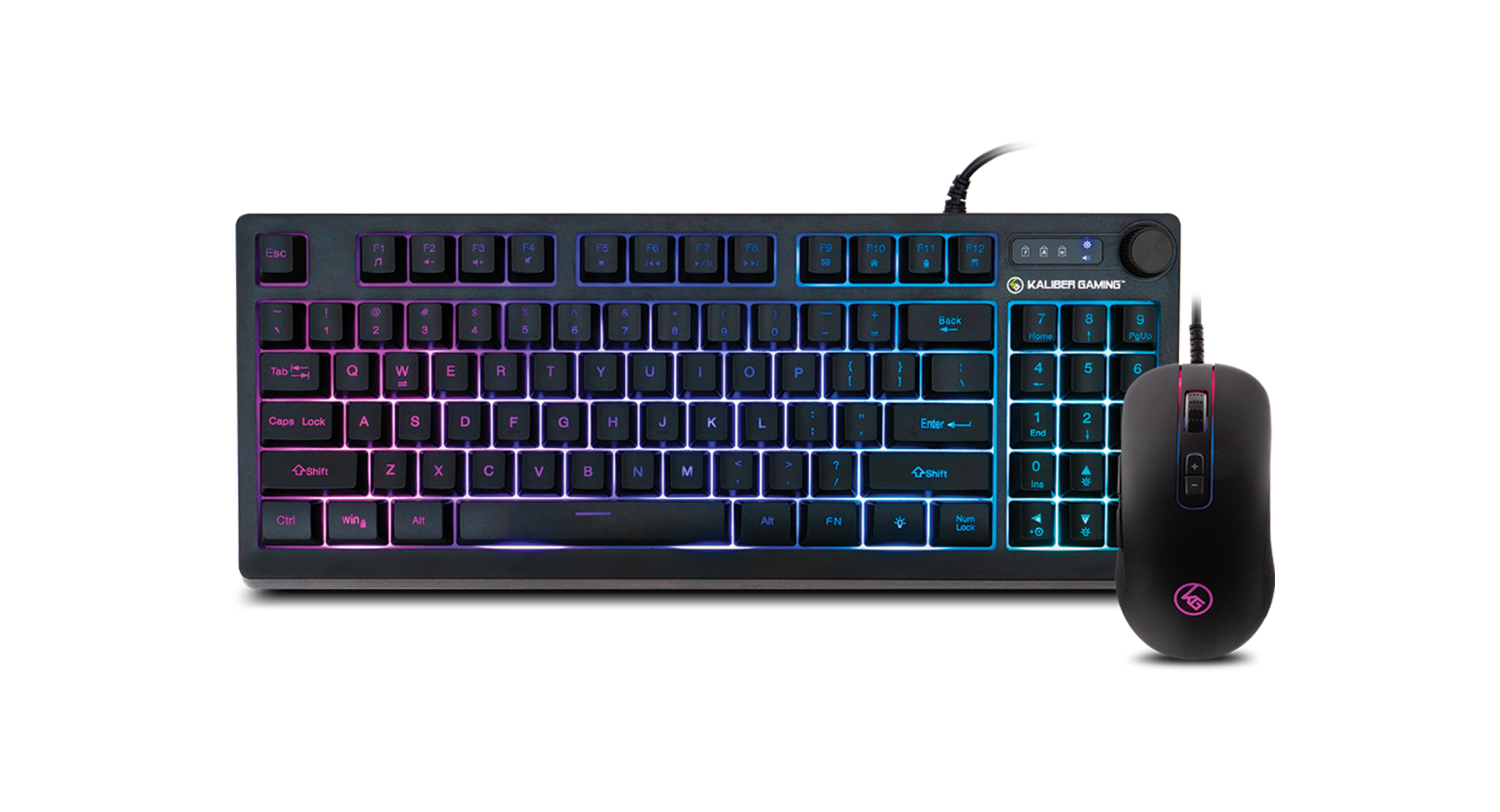
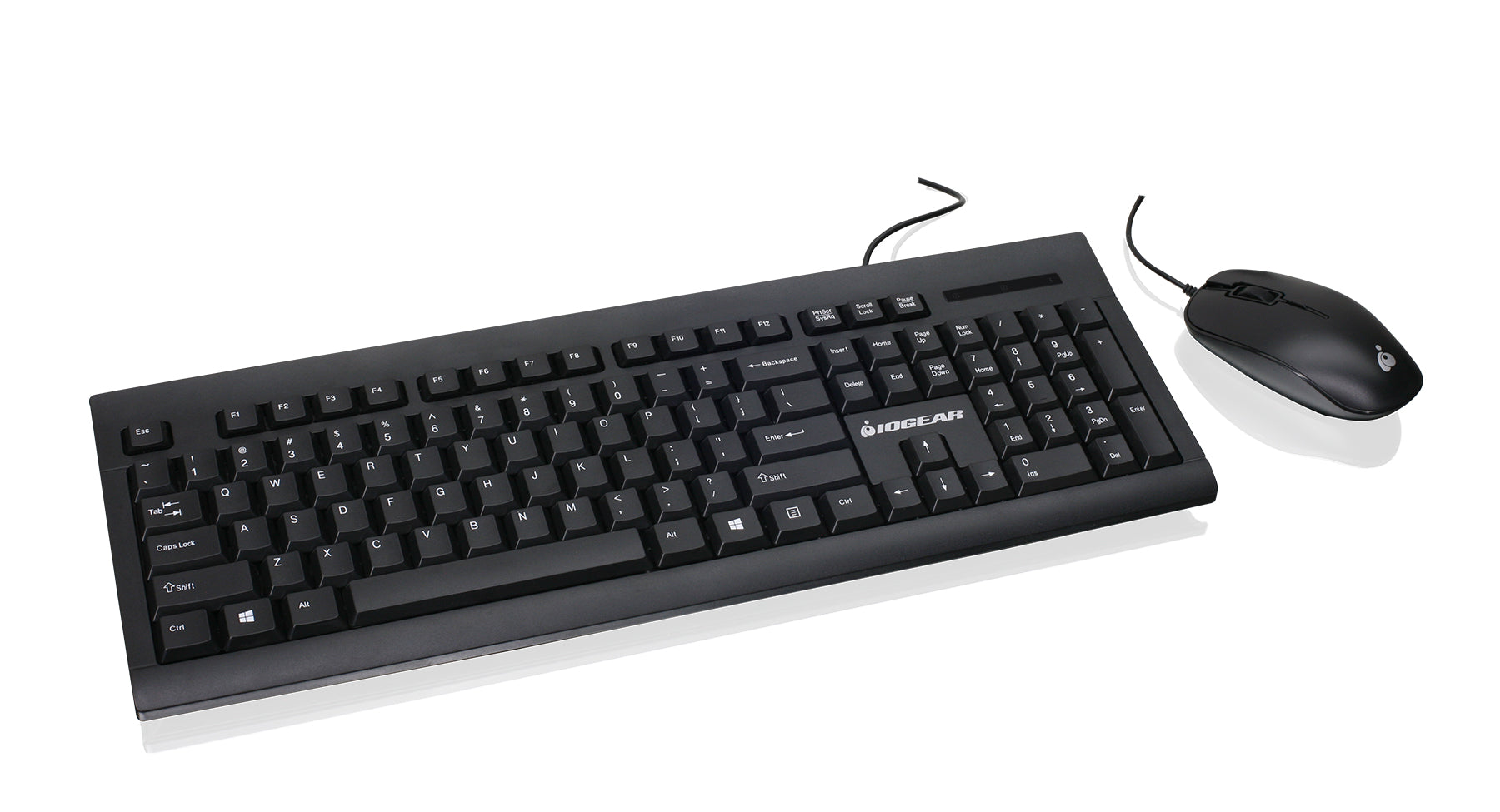
Many iPad users have complained that typing on glass is not ideal for long email or writing sessions. How have your iPad typing experiences been so far? What could be made better? Do you find yourself using an external keyboard mostly at home or when traveling? What would be an ideal external keyboard size? Do you prefer a docked keyboard or wireless?

Have you tried using your iPad with a mouse? If it seems crazy, check this video out. Would a keyboard / mouse combination give the iPad a better shot at replacing your netbook?

Connectivity

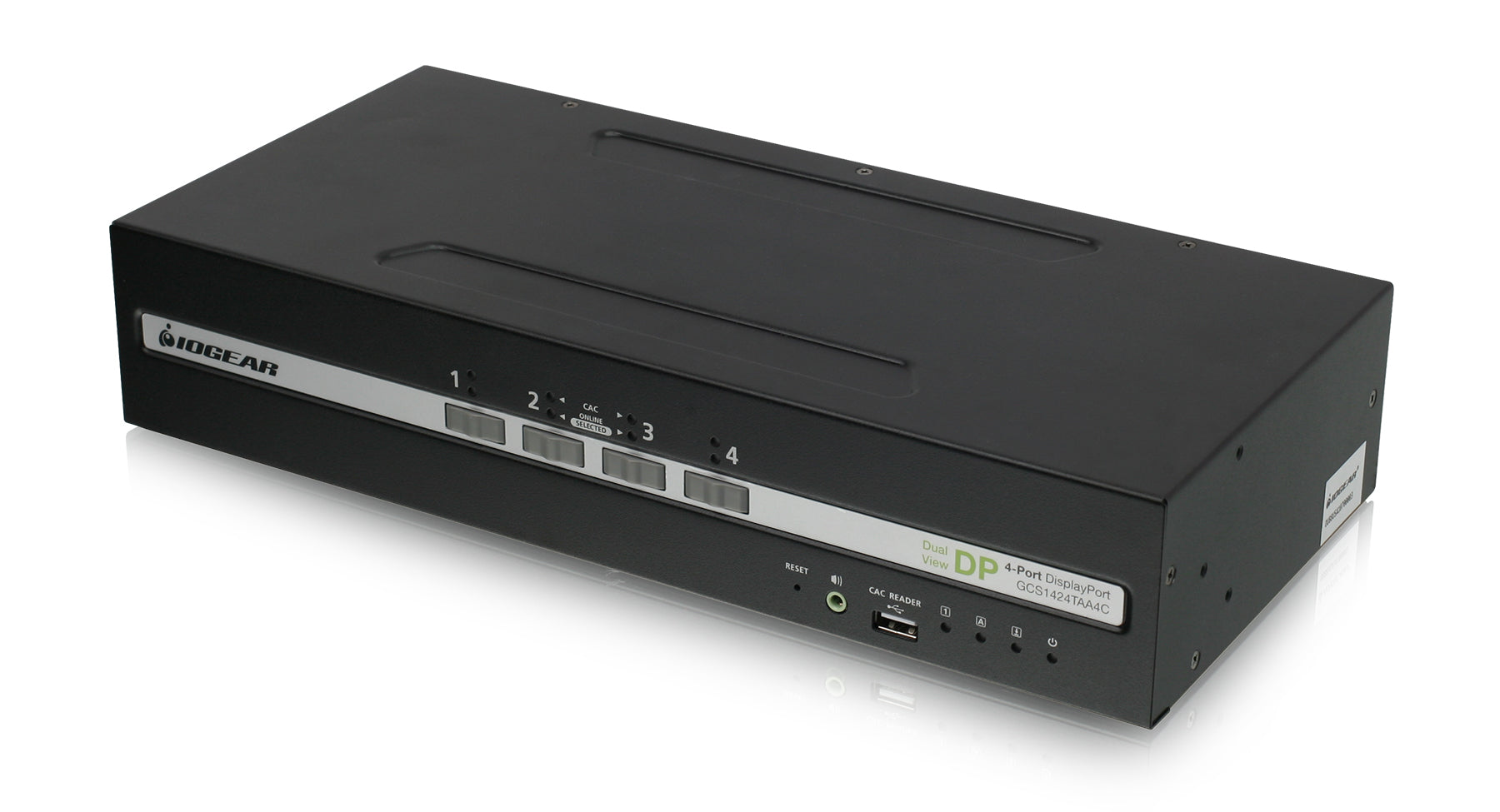
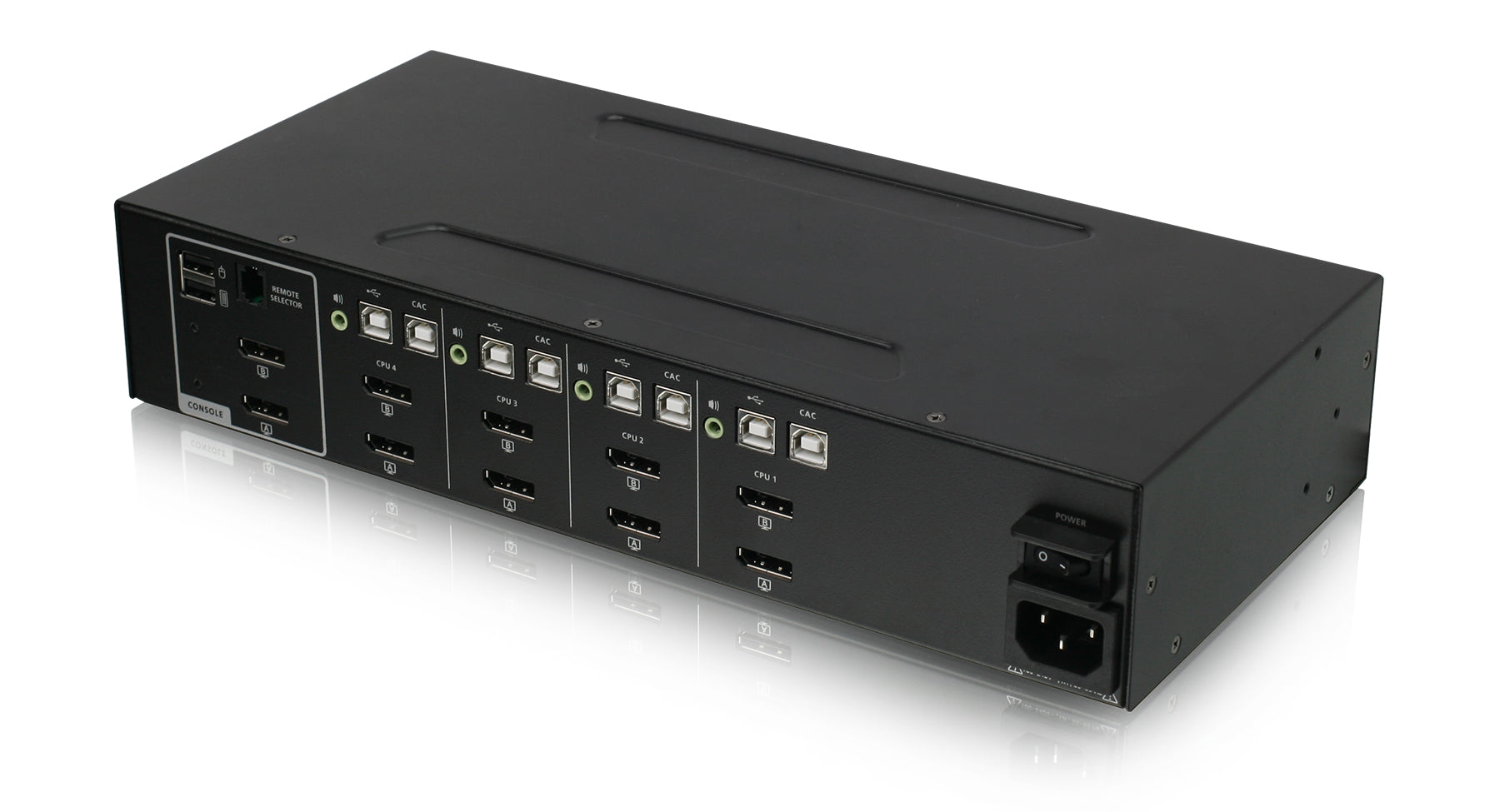
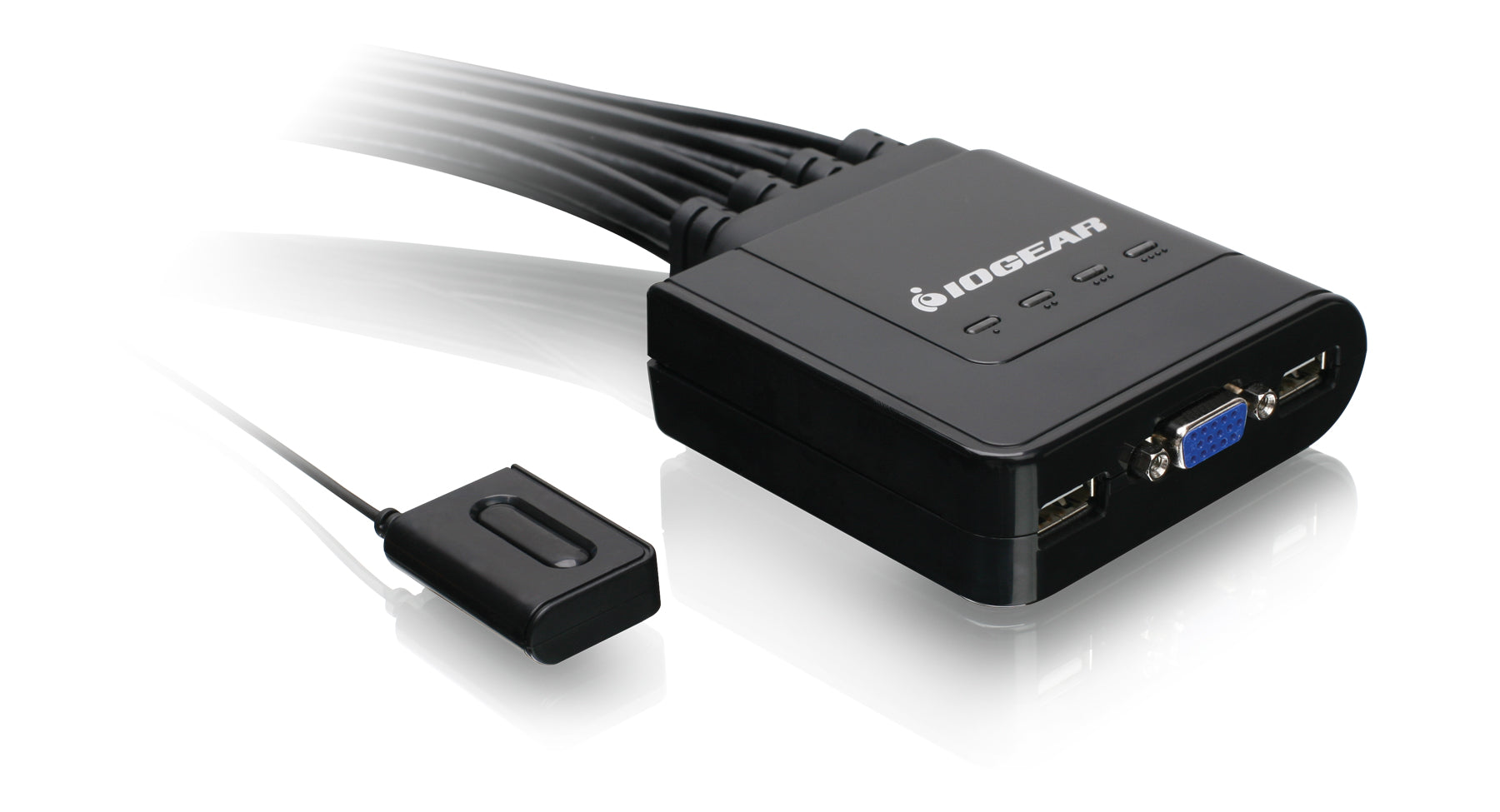
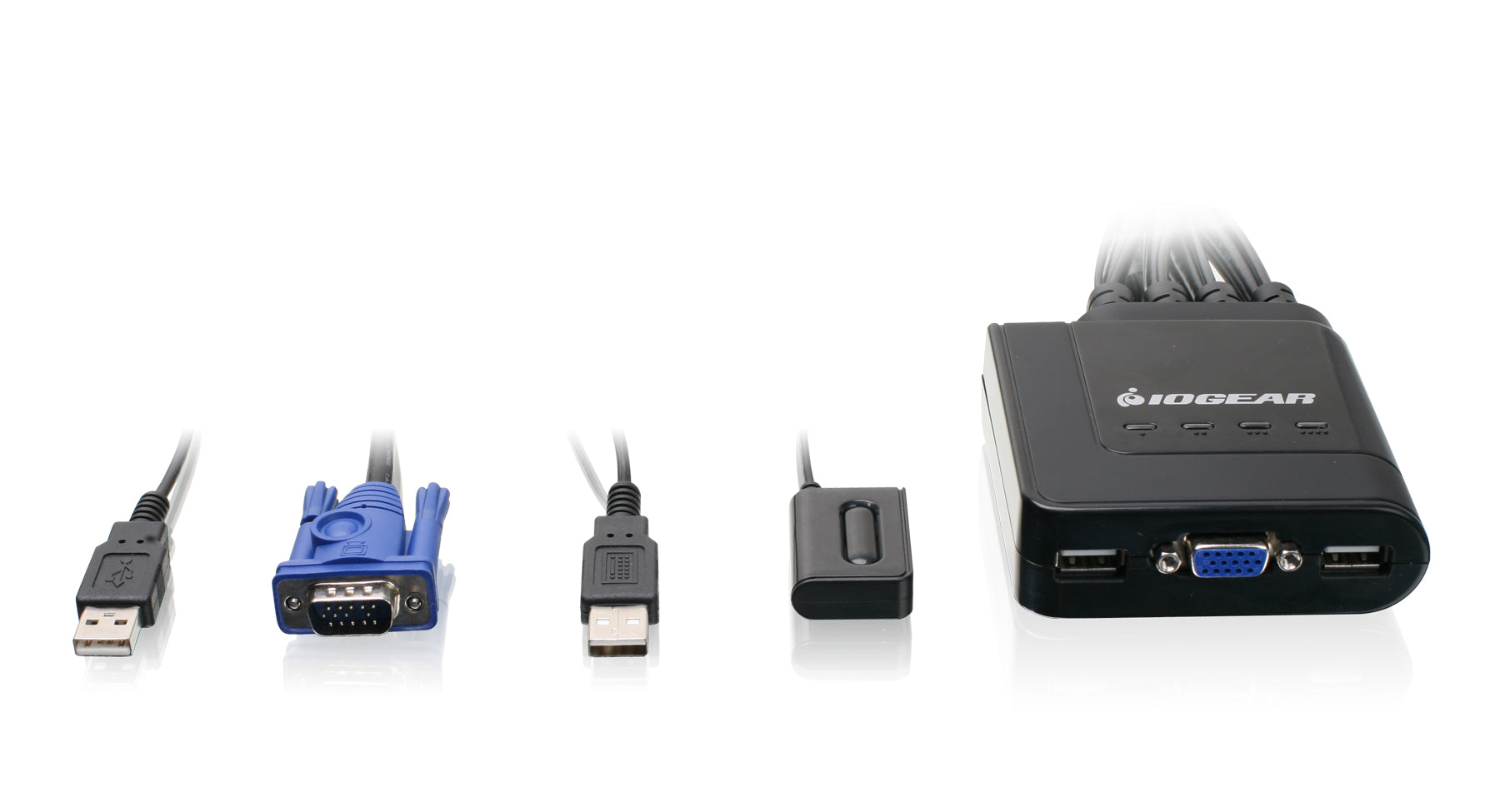
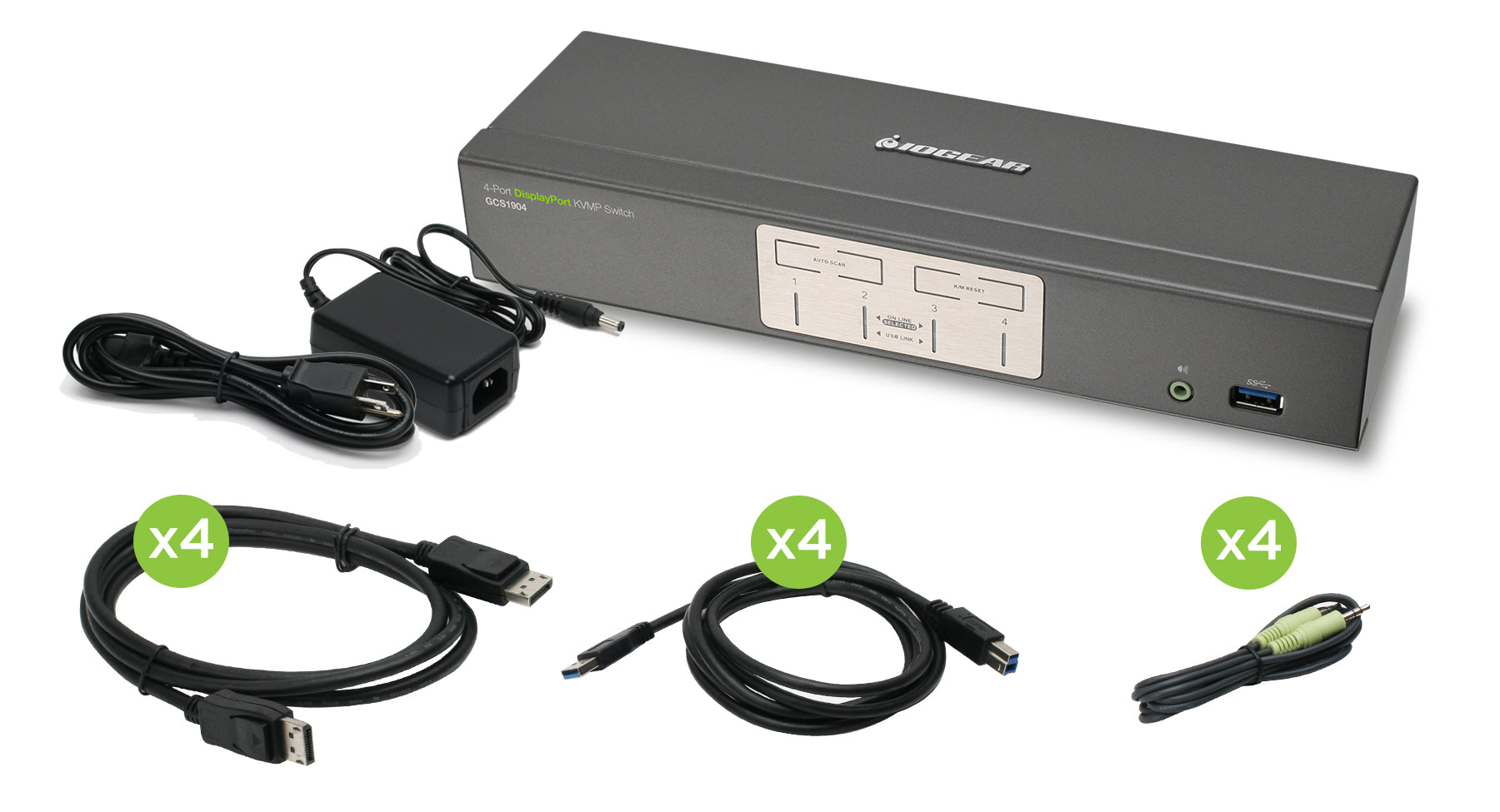
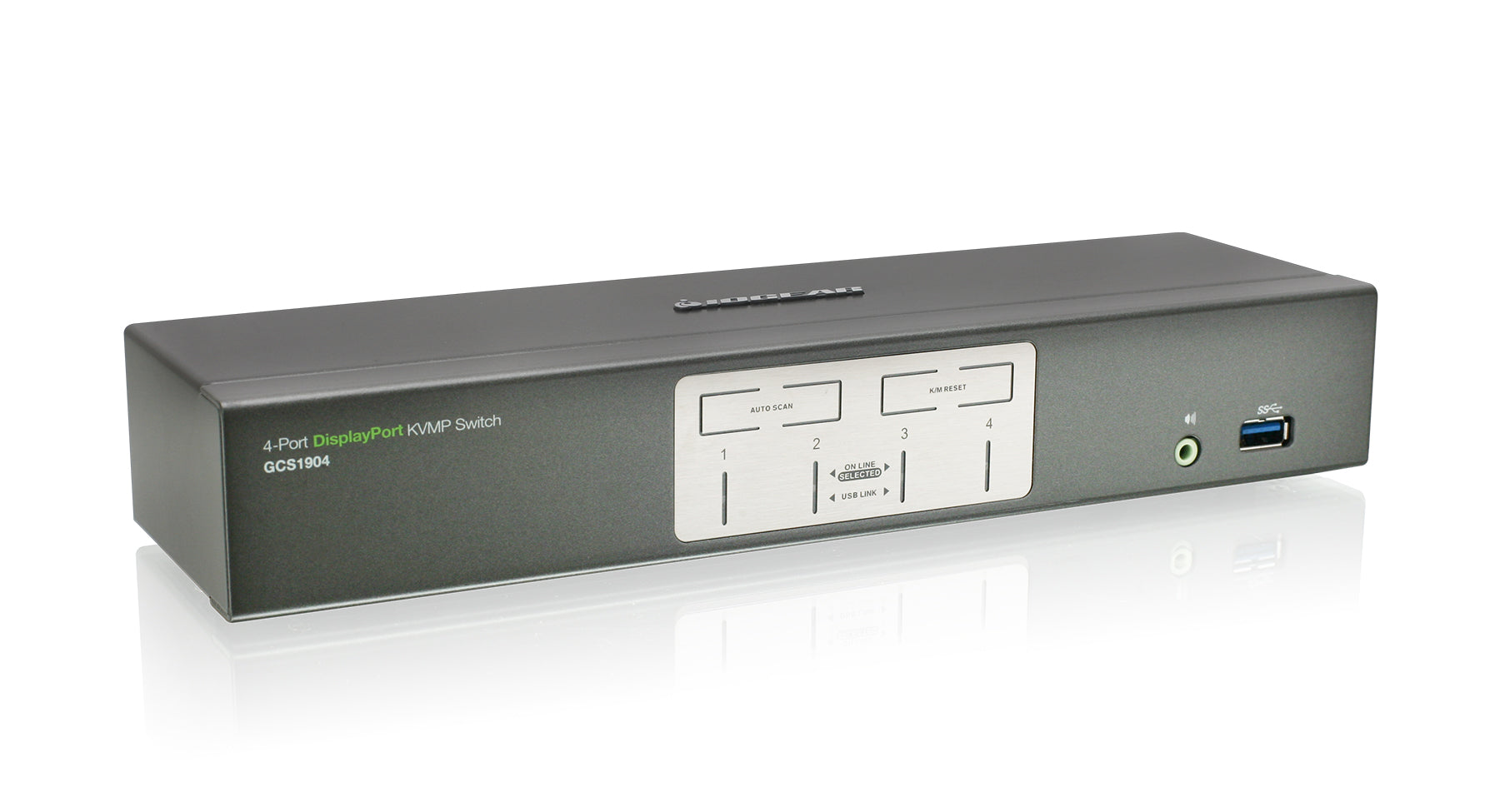
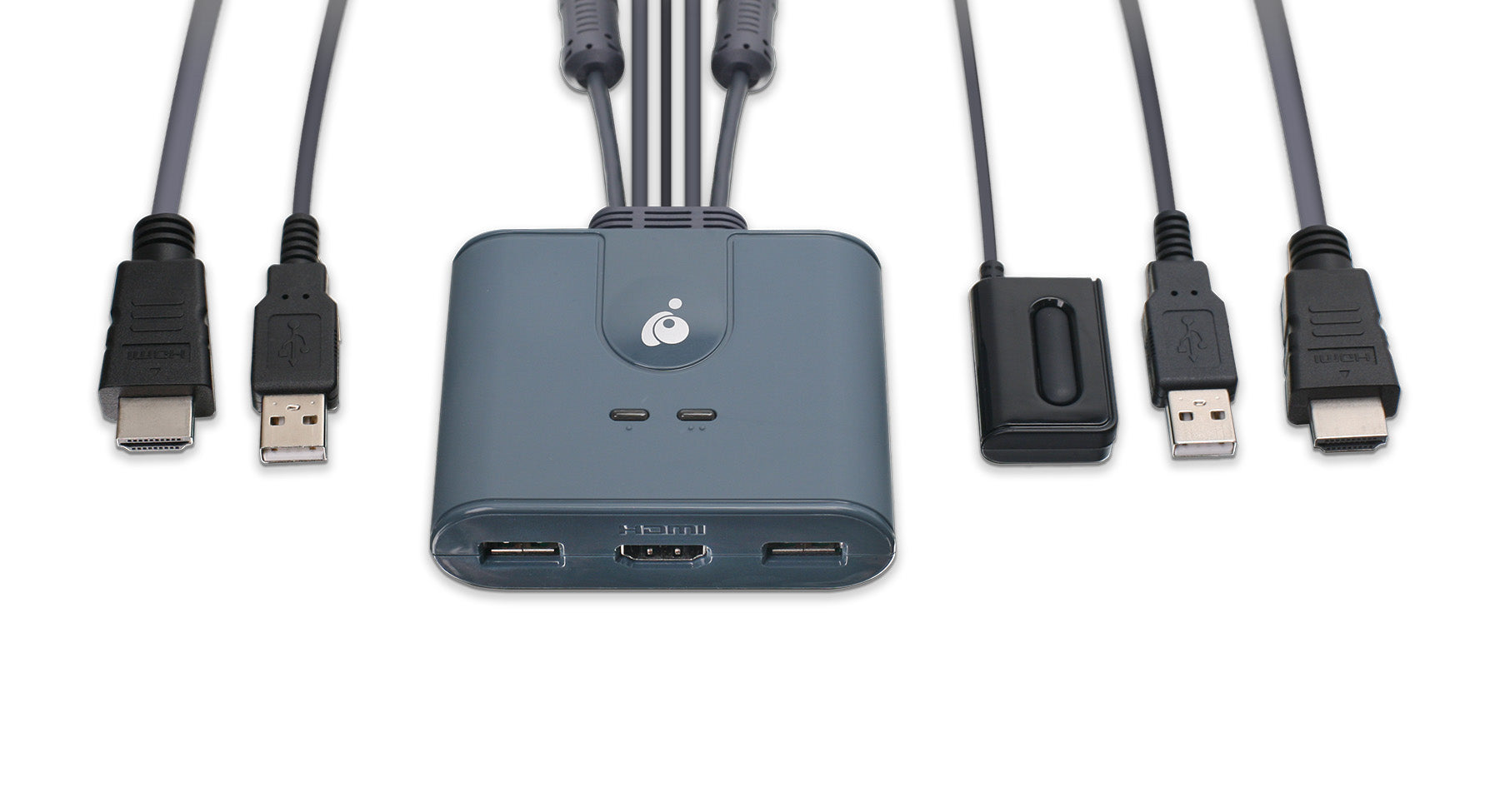
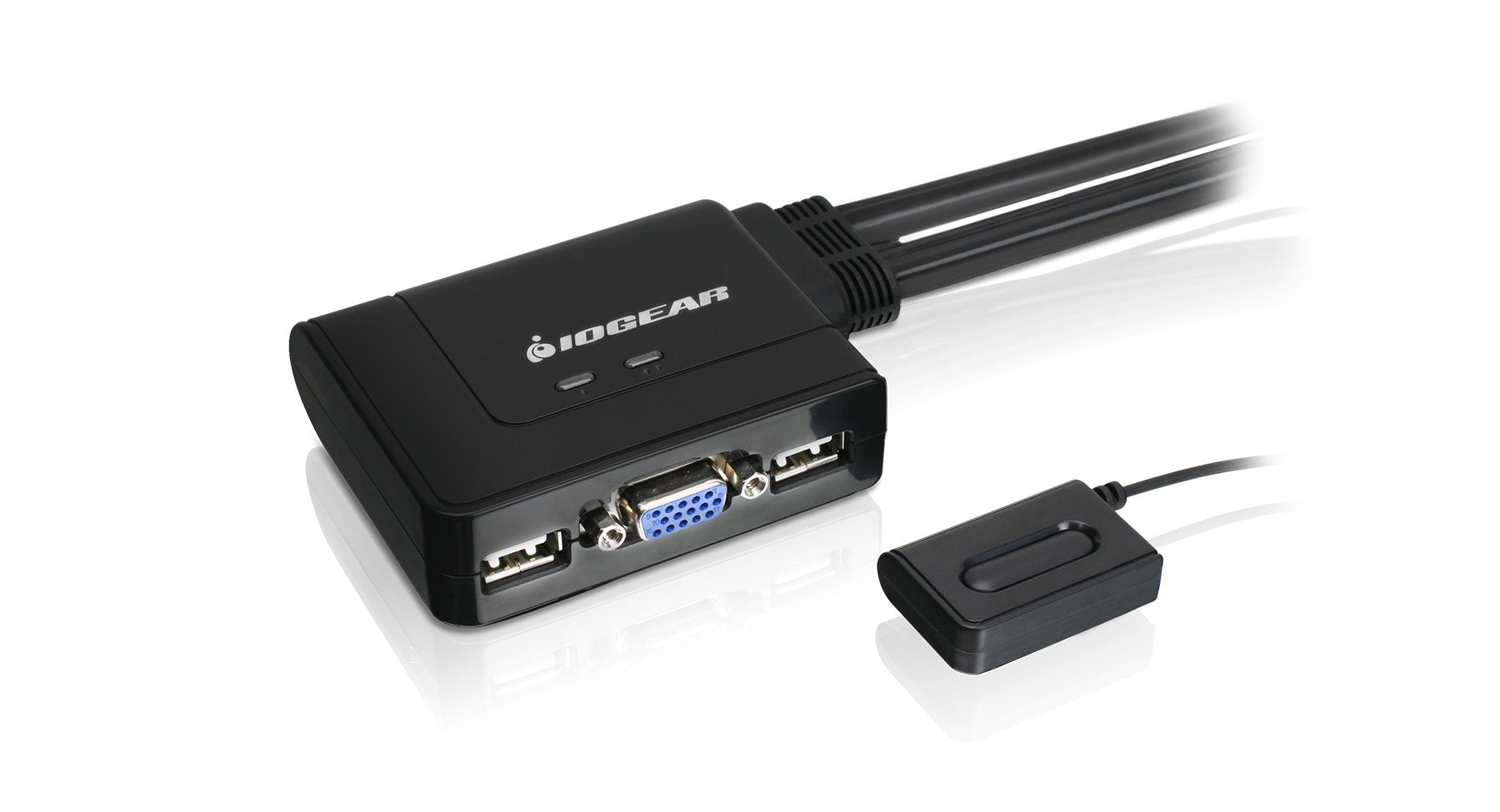
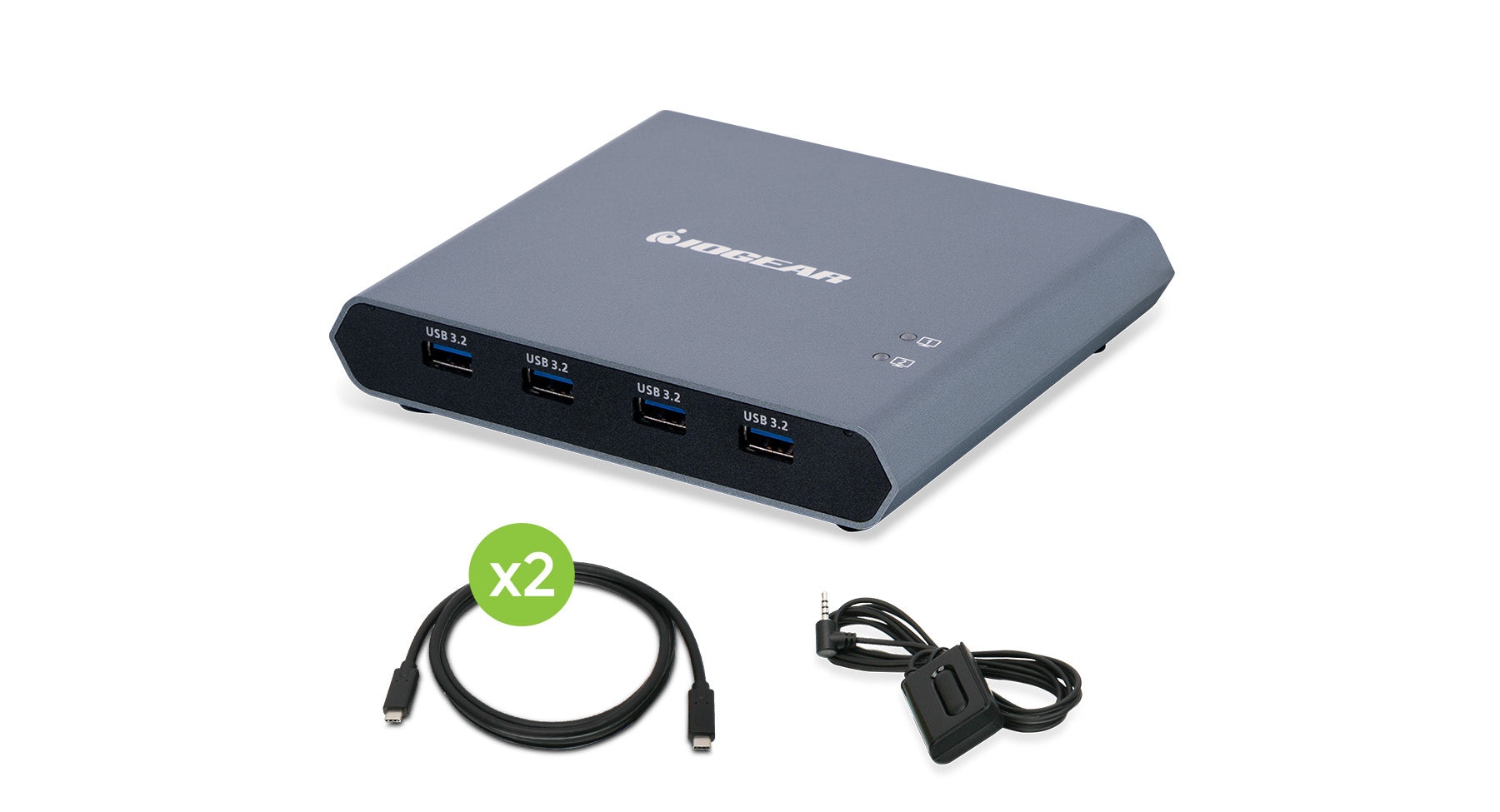
KVM technology has changed the way multiple computers are managed in the PC world. What happens when you add an iPad to the mix? KVM technology could be the future key to controlling your iPad with the same I/O devices (keyboard, monitor and mouse) that you use to control your PC. How important is file transfer between your iPad and your PC to you?

Conclusion

Here are some concluding open questions to all iPad owners, or perhaps even those who are on the fence about making their first iPad purchase. What add ons or accessories do you wish you had? Which gadgets would be game changers for your work flow or make your entertainment experience reach a new level?

Please take some time and share your thoughts here on the blog, on Twitter or FaceBook. We can’t wait to hear your suggestions, and who knows, perhaps your great idea will be available before you think.


  • Kelly

    What about the missing camera??? I thought that was such an obvious let down. I wouldn’t even consider getting one until they add that.

    Reply

  • TJL

    I think the Ipad needs a IR Transmitter. The IPad would be the dopest universal remote control

    Reply

  • Ron K

    If you made wireless iPad to projector you would make millions . I can say every professor would line up for this. Please email me and I can discuss this more with you. But please make this and I will say you will @ lease sell 100 right off from umaine.

    Cheers
    R

    Reply

  • http://iogear@kibbage.com Kenneth Gladden

    I use the Apple wireless keyboard and love it. It’s a good size, light weight and connects quickly. I also bought the docked keyboard but can’t use it because it can’t work with my iPad cover. I use it mostly in meetings.

    Reply

  • http://www.kensrot.com Kenneth Gladden

    The missing app for me is the print app. I have looked at a couple of “unsupported” appps but they don’t work that well. I feel printing from the iPad is a requirement.

    Reply

  • http://www.eladconsulting.com Dale Crowder

    I want a cable to plug into my ipad that I can plug into my computer vga (or some monitor technology) and usb mouse so that I can use my iPad as a monitor. VERY useful for those machine I do not have monitors on and then I don’t have to worry about dragging around a mouse, keyboard, and monitor when I need to connect to them.

    Reply

  • Tony

    Thank you for creating this blog.  I have a corporate initiative where we would like to get away from purchasing laptops and use iPads (or any tablet) along with DaaS (desktop as a service) and use the lightweight tablets as a ‘terminal’ to access our desktops in the cloud.  A KVM solution could make this a reality!

    Reply

  • jt

    I thank you as well…if one could create an “app” that would brige the gaps with both the GUWH104Kit and the ipads or tablets so one would not need the softwear in the middle for the data trans., or streaming, etc. all the info. could be read through the wifi connection.

    Reply

  • Jt

    as of right now NOT ONE COMPANY makes an usb adapter that can link your external desk top hard drive to ones ipad or tablet…”big money there” people want to keep there external desk top hard drive…but at the same time they want to steam pic, mulit-streaming….thats were ill put my money in.

    Reply